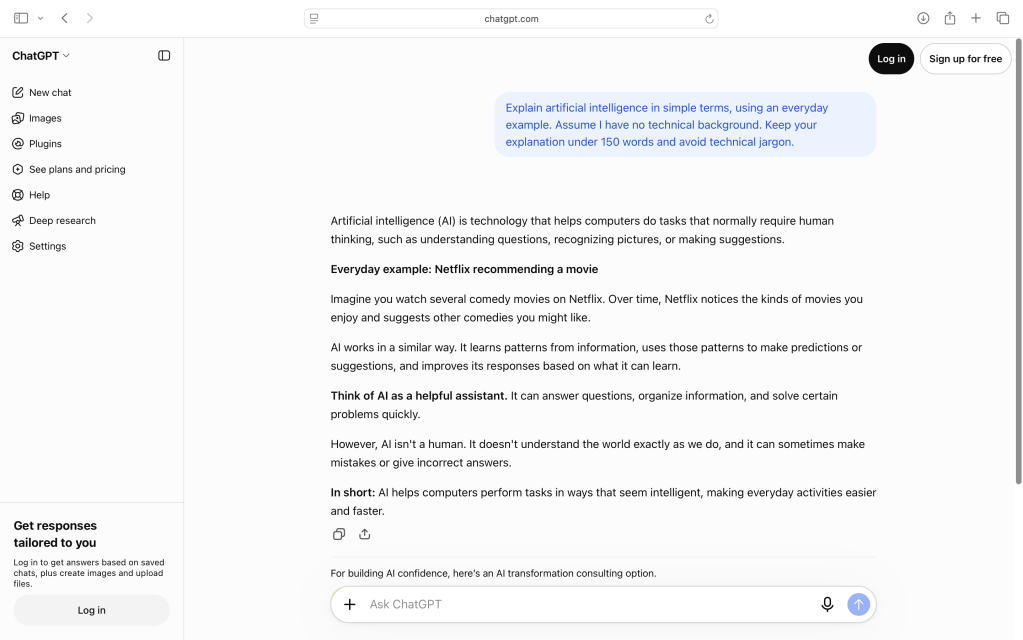
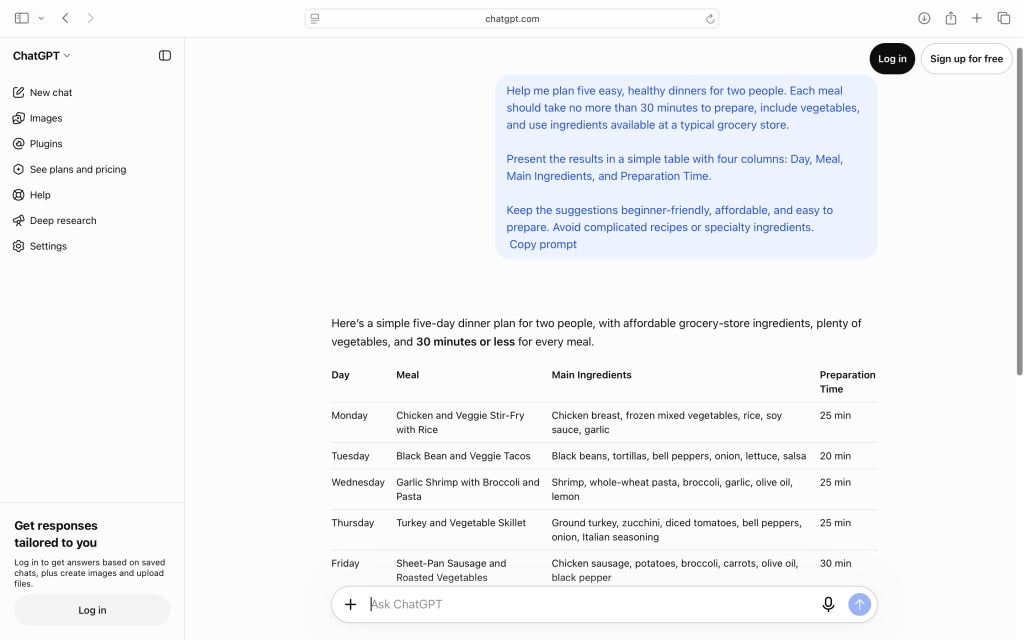
Artificial intelligence isn’t just for technology experts or big businesses. Some of its most useful applications are surprisingly ordinary.
Imagine having someone help you plan a vacation, explain a confusing instruction manual, suggest dinner ideas, or organize a project you’ve been putting off.
That’s where AI assistants like ChatGPT, Google Gemini, and Claude can be genuinely helpful.
You don’t need special equipment or technical experience. In many cases, all you need is a question and a few minutes to experiment.
Here are ten practical ways to put AI to work in your everyday life, along with example prompts you can copy and try yourself.
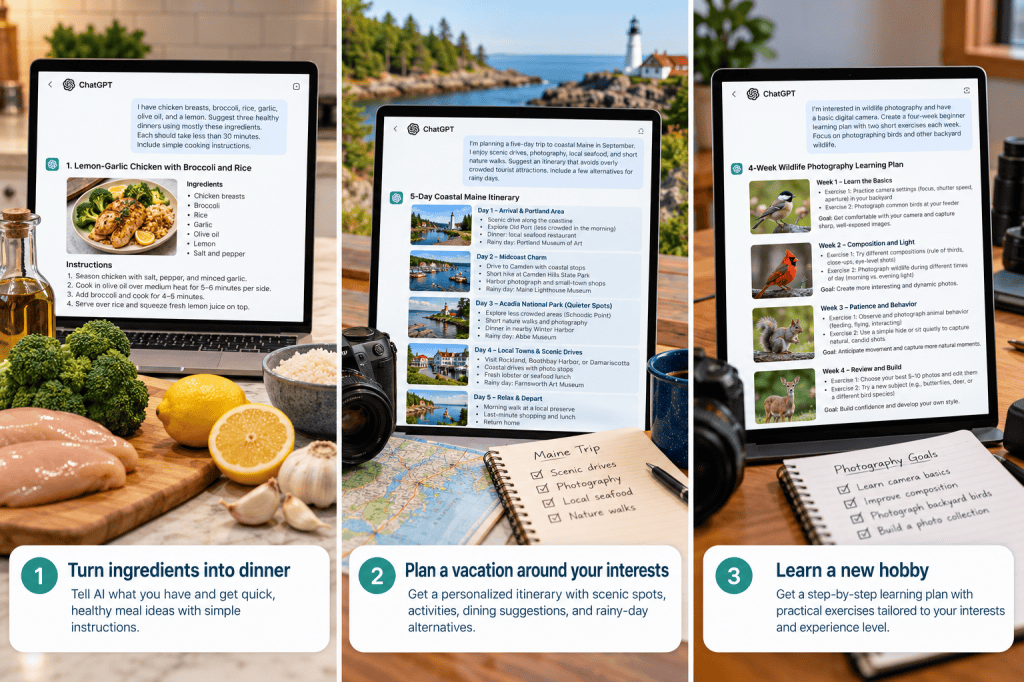
From planning meals to exploring new destinations and learning new hobbies, AI can help with everyday activities.
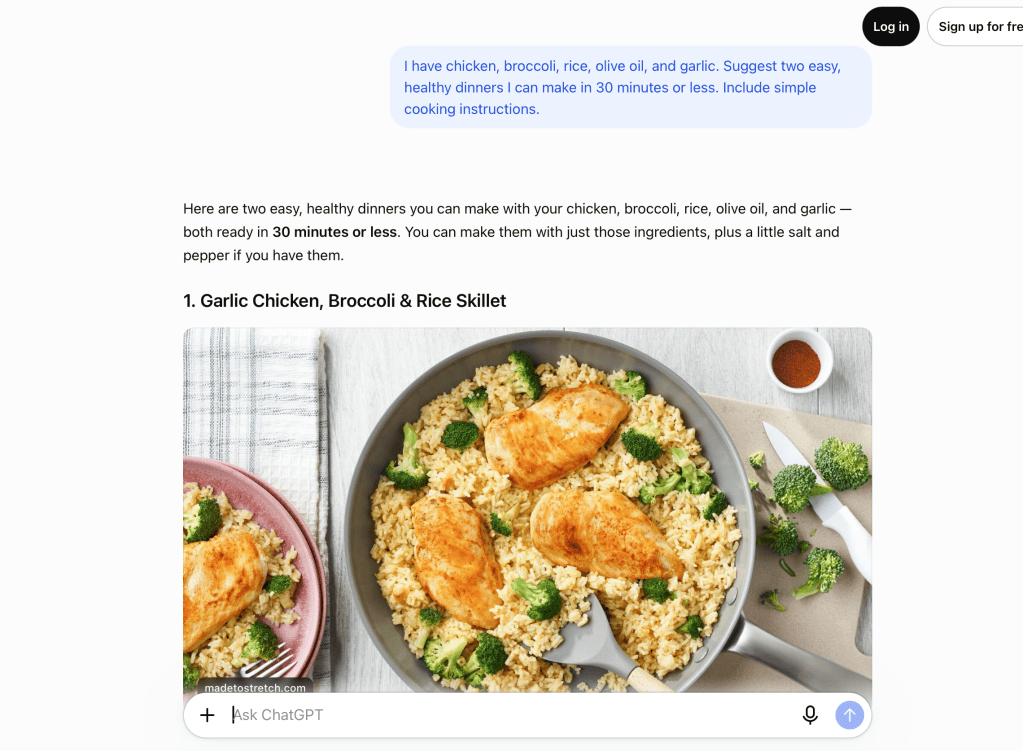
1. Turn What’s in Your Refrigerator Into Dinner
We’ve all been there. It’s nearly dinnertime, and the refrigerator contains a collection of ingredients that don’t immediately suggest a meal.
Instead of searching through recipes, tell an AI assistant what you have available.
Try this prompt:
“I have chicken breasts, broccoli, rice, garlic, olive oil, and a lemon. Suggest three healthy dinners using mostly these ingredients. Each should take less than 30 minutes. Include simple cooking instructions and tell me if I need anything else.”
Why it’s useful: You can reduce food waste, discover new combinations, and spend less time deciding what to cook.
Make it even better: Ask the AI to adjust the recipe for dietary preferences, serving sizes, or the cooking equipment you own.
Remember to check food safety guidance and cooking temperatures rather than relying solely on AI-generated instructions.
2. Plan a Vacation Around Your Interests
Travel planning can involve hours of searching for accommodations, attractions, restaurants, and activities.
AI can help organize your ideas into a realistic itinerary.
Try this prompt:
“I’m planning a five-day trip to coastal Maine in September. I enjoy scenic drives, photography, local seafood, and short nature walks. Suggest an itinerary that avoids overly crowded tourist attractions. Include a few alternatives for rainy days.”
Why it’s useful: AI can help you discover possibilities you might not have considered and organize them around your interests.
Make it even better: Tell it your budget, mobility preferences, number of travel companions, and preferred pace.
Always confirm opening hours, prices, travel times, and availability using current sources before booking.
3. Understand Confusing Technology
Ever bought a new device and found the instructions more complicated than the product itself?
AI can help translate technical language into something easier to understand.
Try this prompt:
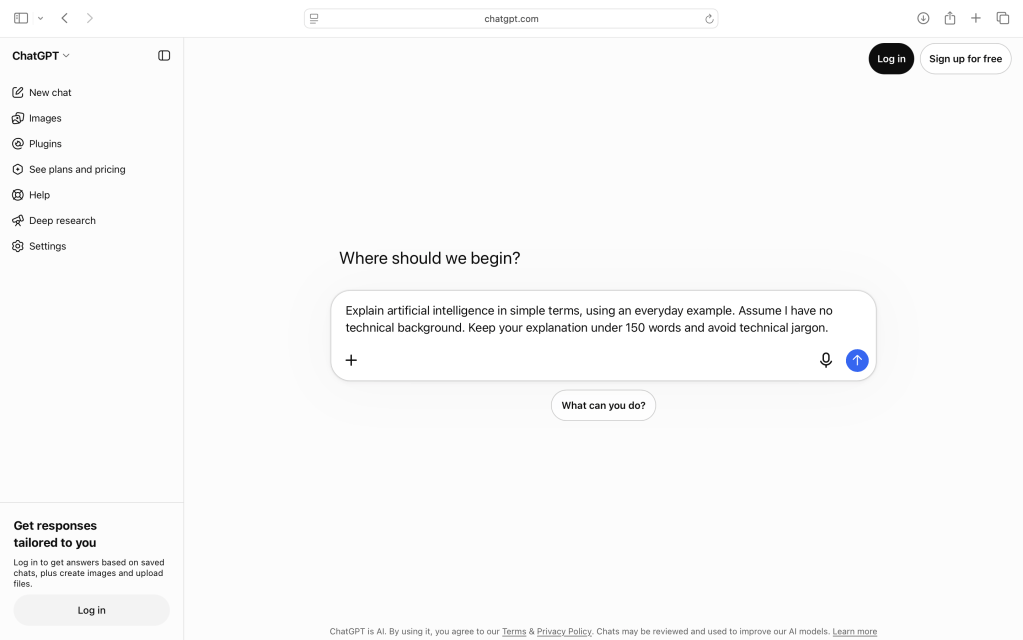
“Explain the difference between a Wi-Fi router and a modem in simple language. Use an everyday analogy and tell me why I might need both.”
Why it’s useful: Instead of struggling through technical terminology, you can ask for an explanation tailored to your experience.
Make it even better: Follow up with “Explain that in three simple steps” or “Give me an example using a typical home internet setup.”
For instructions involving electricity, gas, or other safety-sensitive equipment, verify the guidance against the manufacturer’s documentation or a qualified professional.
4. Write Better Emails and Messages
Sometimes you know exactly what you want to say but struggle to find the right words.
AI can help you write messages that are clear, friendly, and appropriate for the situation.
Try this prompt:
“Help me write a friendly email to a contractor asking for an update on a home improvement estimate. I don’t want to sound impatient, but I’d like to know when I can expect a response. Keep it brief and natural.”
Why it’s useful: AI can help with wording, tone, and organization.
Make it even better: Ask it to make the message warmer, shorter, more professional, or more direct.
Review the result before sending it. The final message should sound like you, not a computer.
5. Learn a New Hobby or Improve an Existing One
Whether you’re interested in gardening, photography, music, woodworking, or birdwatching, AI can be a useful learning companion.
Try this prompt:
“I’m interested in wildlife photography and have a basic digital camera. Create a four-week beginner learning plan with two short exercises each week. Focus on photographing birds and other backyard wildlife.”
Why it’s useful: AI can break a large subject into manageable lessons and suggest practical exercises.
Make it even better: Tell it what equipment you have, how much time you can spend, and what you’d like to accomplish.
You can also ask questions as you go, just as you would with a patient instructor.
6. Organize a Project You’ve Been Avoiding
Large household projects often feel overwhelming because it’s difficult to know where to begin.
AI can help turn a vague goal into a step-by-step plan.
Try this prompt:
“I want to organize my garage over three weekends. It’s cluttered with tools, holiday decorations, sports equipment, and old household items. Create a realistic schedule with tasks for each weekend, a list of supplies, and a simple system for deciding what to keep or donate.”
Why it’s useful: Breaking a project into smaller tasks makes it easier to get started.
Make it even better: Ask for a printable checklist or adjust the schedule to fit your available time.
7. Compare Products Before You Buy
Choosing between products can be frustrating, especially when specifications and marketing claims are difficult to compare.
AI can help you identify the features that matter most.
Try this prompt:
“I’m comparing robot vacuum cleaners for a home with hardwood floors, area rugs, and two dogs. Explain the five most important features I should evaluate. Then create a comparison checklist I can use while shopping.”
Why it’s useful: Rather than relying on advertisements, you can develop a clearer understanding of what to look for.
Make it even better: Provide the exact models you’re considering and ask for a side-by-side comparison using current manufacturer specifications.
Be careful: AI may provide outdated prices, incorrect specifications, or unsupported product recommendations. Verify details before purchasing.
8. Make Sense of Complicated Information
Insurance documents, financial terminology, technical articles, and government notices can be difficult to understand.
AI can help explain unfamiliar language.
Try this prompt:
“Explain the difference between a deductible, copayment, and coinsurance in health insurance. Use a simple example with fictional dollar amounts.”
Why it’s useful: AI can make unfamiliar concepts easier to understand without requiring you to become an expert.
Make it even better: Ask it to explain terms one at a time or provide examples.
For personal documents, remove identifying details before sharing them. Verify important interpretations with the original source or a qualified professional.
9. Get Creative When You’re Stuck
AI isn’t limited to answering factual questions. It can also help you brainstorm ideas.
Maybe you’re planning a family gathering, looking for a new photography project, or trying to think of a thoughtful birthday gift.
Try this prompt:
“I’m hosting a casual backyard gathering for twelve adults. Suggest five creative themes that don’t require expensive decorations. Include simple food ideas and one activity for each theme.”
Why it’s useful: AI can provide a starting point when you’re facing a blank page.
Make it even better: Tell it which ideas you like and ask for variations.
The best results often come from combining AI suggestions with your own personality and creativity.
10. Create a Personalized Learning Plan
One of AI’s most promising everyday uses is helping people learn at their own pace.
Instead of following a one-size-fits-all course, you can ask an AI assistant to help create a learning plan around your goals.
Try this prompt:
“I want to become more comfortable using artificial intelligence for everyday tasks. I can spend 15 minutes a day learning. Create a two-week beginner plan with one practical exercise each day. Avoid technical jargon.”
Why it’s useful: AI can help structure your learning, explain unfamiliar ideas, and adjust the difficulty as you progress.
Make it even better: At the end of each lesson, ask it to quiz you or suggest a practical challenge.
Remember that AI isn’t always correct. Use trustworthy educational sources to verify important information.
How to Get Better Results From Any AI Assistant
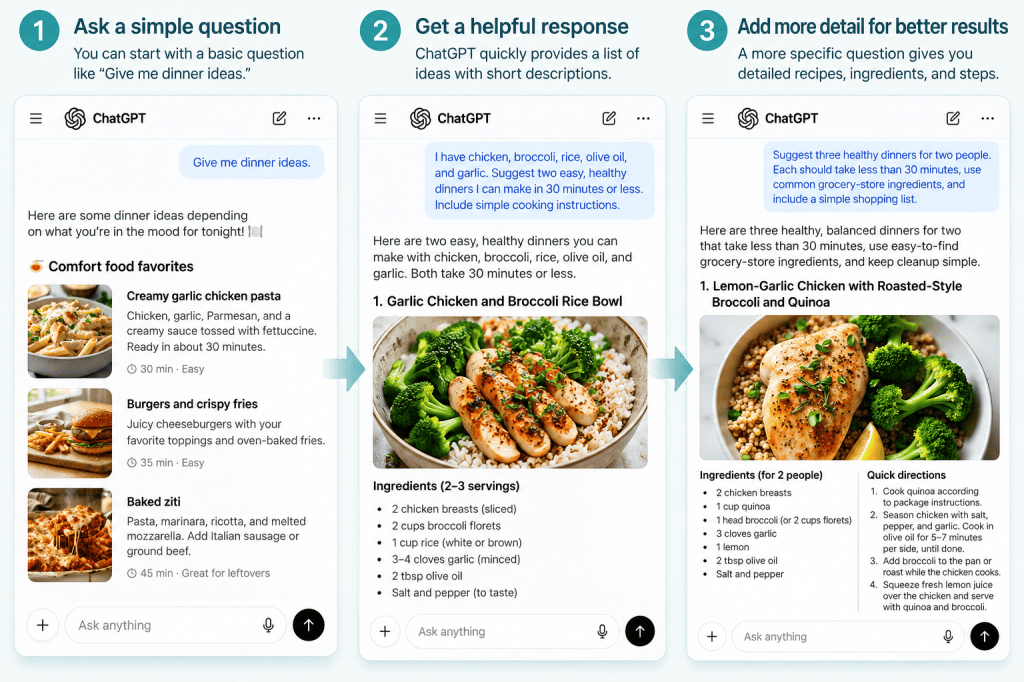
You may have noticed something about the example prompts in this article: they’re specific.
Instead of simply asking “Help me plan a trip,” the travel example includes a destination, length of stay, interests, and preferences.
Those details help the AI provide a more relevant answer.
A useful approach is to include four things:
- Your goal: What are you trying to accomplish?
- Your situation: What background information would help?
- Your preferences: What matters most to you?
- Your desired result: Do you want a checklist, explanation, itinerary, or step-by-step instructions?
For example:
“Help me plan a small vegetable garden. I have a sunny patio, four large containers, and limited gardening experience. Recommend easy vegetables and create a simple planting and watering schedule.”
You don’t need to get everything right on the first try.
If the response isn’t useful, ask a follow-up question.
“Can you make that simpler?”
“What would be the least expensive option?”
“Can you organize that into a checklist?”
Think of AI as a conversation rather than a single question-and-answer exchange.
Three Things to Remember Before You Begin
AI assistants can be helpful, but they aren’t infallible.
Check important facts. AI can produce convincing but incorrect information, especially about prices, current events, product specifications, and specialized topics.
Protect your privacy. Avoid sharing passwords, account numbers, sensitive personal information, or confidential documents unnecessarily.
Keep yourself in control. Use AI to explore options and organize ideas, but make your own decisions, especially when health, money, or safety is involved.
Your Turn: Try One Thing Today
You don’t need to experiment with all ten ideas.
Choose just one that sounds useful or interesting.
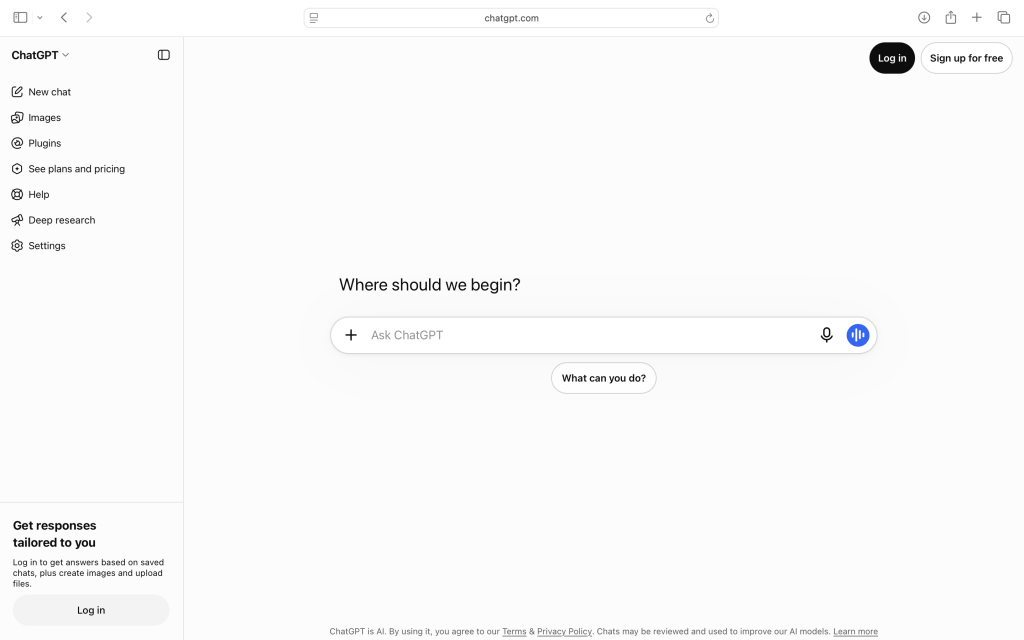
Open an AI assistant, copy the example prompt, and change the details to match your situation.
Then ask a follow-up question.
That’s all it takes to begin discovering where AI fits into your everyday life.
And you may find that the most valuable uses aren’t the most impressive or complicated ones.
They’re the small things that save you time, help you learn, or make everyday tasks a little easier.
Technology changes. Curiosity doesn’t.
Keep Learning With Promptly Practical
If you’re new to artificial intelligence, start with our beginner-friendly tutorials:
- Your First 15 Minutes With ChatGPT: A Beginner’s Step-by-Step Guide — Learn how to start your first AI conversation.
- What Is ChatGPT? A Simple Explanation for Beginners — Understand how ChatGPT works and how it compares with other popular AI assistants.
Then come back and explore more practical ways to put technology to work in your life.